From Design to Live Site: How I Use Claude Design for Next.js and WordPress Builds
You have a clear picture of the website in your head. You know the mood, the type, the spacing, the way the hero section should feel when someone lands on it. Then the long part starts: rebuild it in a design tool, prototype it, hand it off, and watch half of it get lost on the way to the browser.
That gap between design and development is where a lot of good websites quietly turn into average ones. It is also the gap I have spent the most time trying to close.
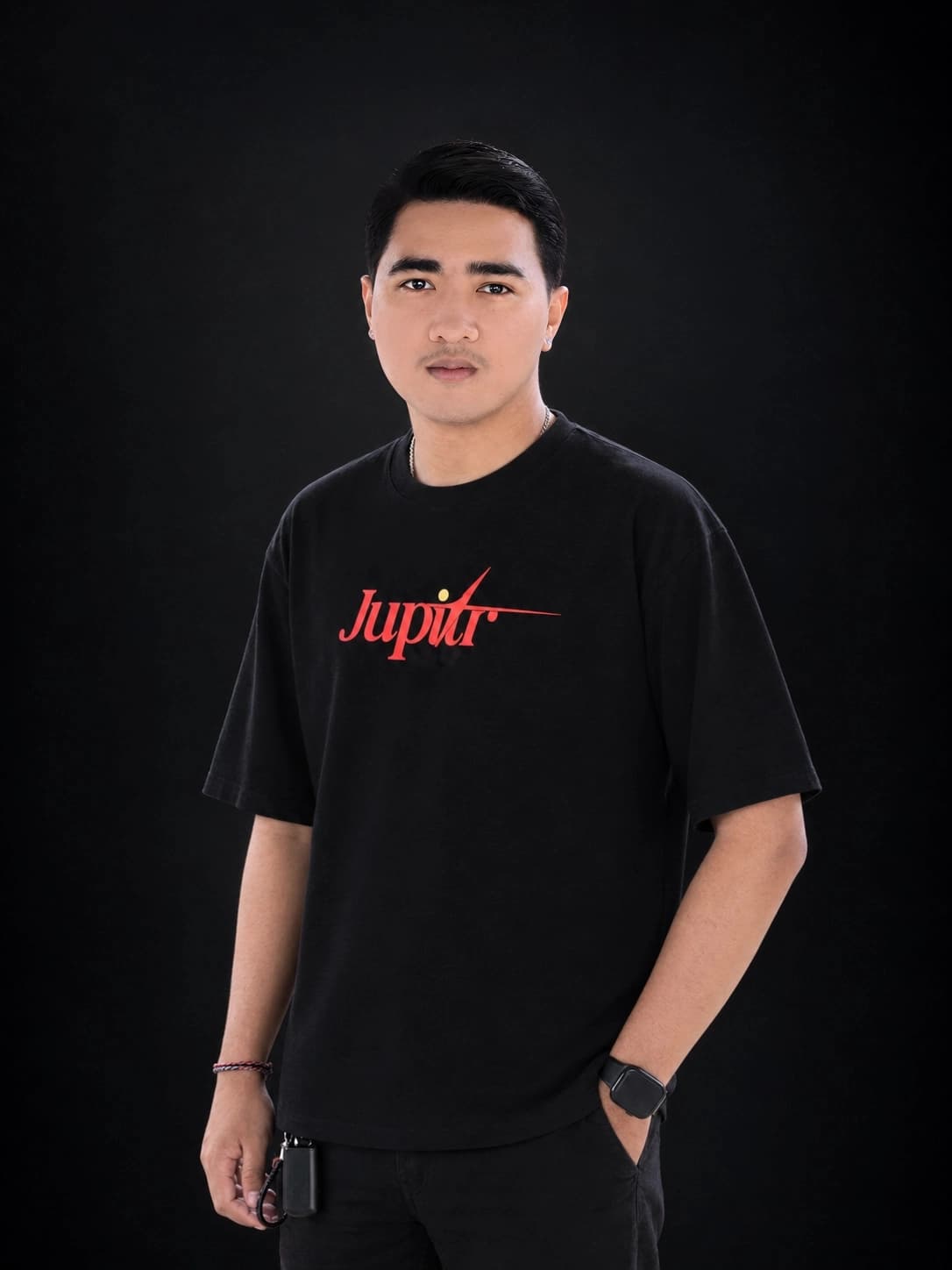
I'm Andre, the frontend developer at Jupitr. I came to web development from freelance graphic design, where I worked mostly in Adobe Photoshop and Illustrator. I've built websites in WordPress, extending them with my own custom code in HTML, PHP, JavaScript and CSS, and I also build sites in Next.js. So I know what it takes to turn a design into working code. I still think visually first. When I start a site, I want it to look modern and engaging before anything else, and I want the code underneath to be solid enough that the design survives real users.
In this post I'll explain how I now use Claude Design to create website mockups before I develop them in Next.js or WordPress, why that works so well for someone with a design background, and where a designer's judgment still matters more than any tool.
Why did web design always start in Figma?
For years, the standard path into professional web or UI/UX design ran through dedicated design applications. Figma became the default, alongside tools like Adobe XD and Sketch. You built layouts, components and clickable prototypes there, got them approved, and only then did anyone open a code editor.
That process exists for good reasons. It lets a team agree on how a site looks before spending time building it. But it also means the design lives in one place and the real website lives in another. Every spacing value, color and hover state has to be translated by hand from the mockup into code.
Translation is where things slip. A shadow looks slightly different. A section that worked at 1440 pixels wide falls apart on a phone. The designer and the developer end up going back and forth over details that were already decided once.
Coming from graphic design, I felt this more than most. In Photoshop and Illustrator, what you make is the final output. In a typical web workflow, the design file is only a description of the final output, and someone still has to rebuild it.
How does a Claude Design mockup carry into development?
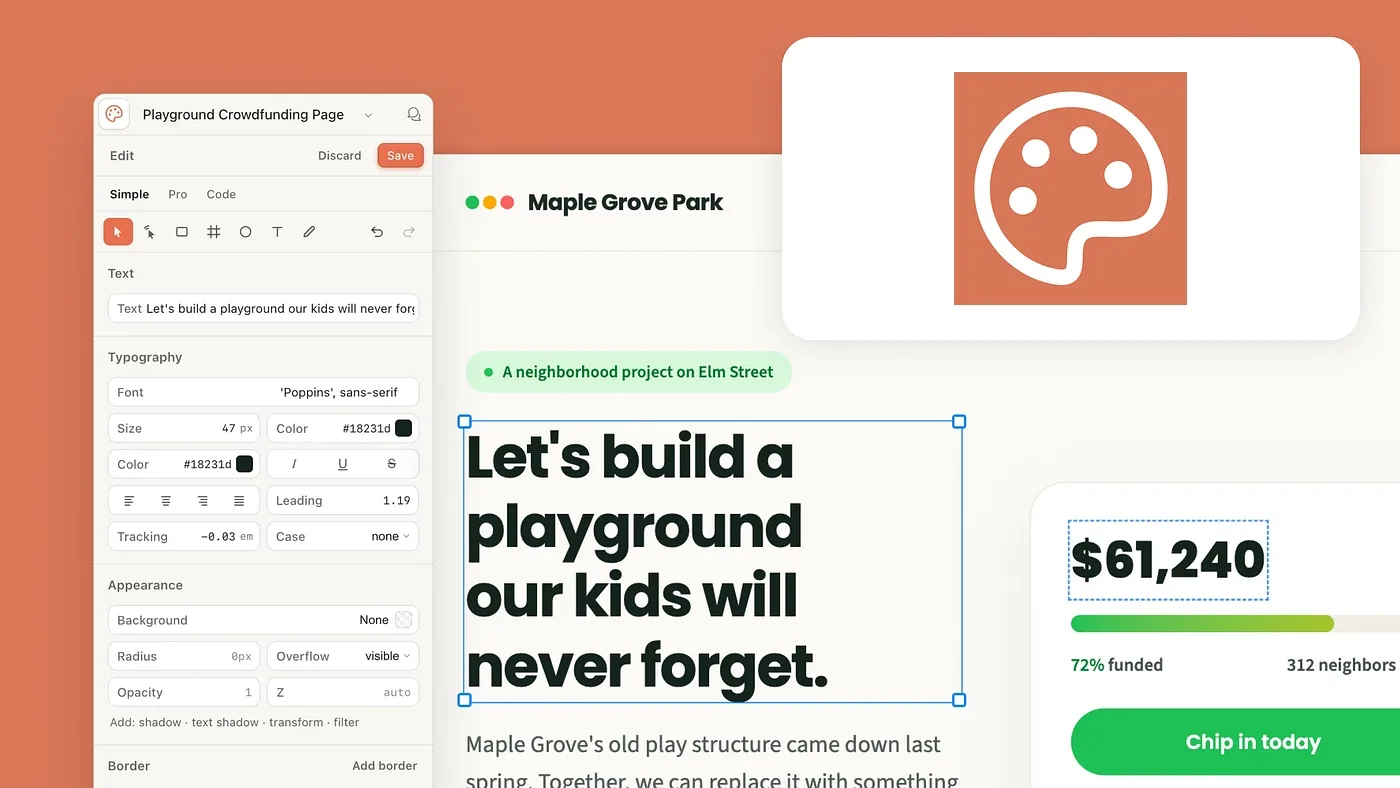
The short answer: far less gets lost in translation. Claude Design gives me a canvas and design tools I can work on directly and refine through conversation. From there, the mockup becomes the blueprint for development, whether I'm building in Next.js or WordPress. Instead of reconstructing a flat design file screen by screen, I start development from a clear, detailed mockup that already reflects the final look.
Here is how a project usually runs for me now:
- Set the visual direction. I describe the brand, the audience and the feeling I want, the same way I would brief myself on a graphic design job. Then I iterate in Claude Design until the layout, type and color are right.
- Push the details. This is where my design background does the work. I adjust hierarchy, spacing and imagery until each section feels intentional rather than templated.
- Move into development. I build the approved design on the platform that fits the project: Next.js for fully custom builds, where I use Claude Code as an assistant when it saves time, or WordPress, which I extend with my own custom code.
- Refine in the browser. I check responsiveness, interactions and performance on the real site, not on a static mockup, and fix what needs fixing in code.
The biggest shift is that I can stay in the visual mindset much longer. I'm not stopping to rebuild a mockup screen by screen. I'm reviewing, correcting and improving something that already behaves like a website.
That does not mean the tools do the thinking. It means more of my time goes into decisions that make a site better, and less into repetitive translation work.
How do I decide between Next.js and WordPress?
The mockup stage looks the same either way. The decision comes from what the site needs to do after launch.
- Next.js suits sites that need custom functionality and a highly tailored front end, like the tour catalog, filters and booking flow on Bali Trekking Exploration. It gives me full control over performance and how every component behaves.
- WordPress suits sites where the client's team needs to add and update content regularly, like an architecture studio adding new projects to its portfolio. When I build in WordPress, I extend it with custom HTML, PHP, JavaScript and CSS, so the finished site still matches the mockup instead of looking like a stock theme.
Because the design is settled in Claude Design first, choosing a platform doesn't mean starting the design over. The same visual direction works as the blueprint for either build.
What does this look like on real projects?
How does it work on a Next.js project?
My clearest Next.js example is Bali Trekking Exploration, a local, family-run tour operator based in Kintamani. They run guided Mount Batur sunrise treks, waterfall tours, camping trips and cultural tours, and they wanted travelers to book directly instead of through big booking platforms.
That goal shaped the whole design. A direct booking site has to compete visually with platforms travelers already trust, so it could not look like a basic brochure page. It needed to feel like a polished booking experience while still showing that this is a local business with real guides.
I handled the project end to end. I designed the brand logo, designed the website in Claude Design, and developed it myself in Next.js. Owning all three meant the logo, the site's visual language and the final code all came from one consistent idea of the brand. The live site now includes:
- A browsable catalog of 15 tours, each with a photo gallery, rating, duration and price per guest.
- Filters by tour type and time of day, plus date, guest count and currency selectors.
- A "Why book directly with us" section that explains the benefits in plain terms.
- A personal note from the founder, guest reviews, a blog and an FAQ.
The visual parts, like the logo, the card layout, the photo-led tour listings and the warm founder section, came straight from thinking like a graphic designer. The working parts, like filtering, currency and booking flow, came from building it properly in code. Because both started from the same design, I didn't have to fight the mockup to make the site function.
It also gave the site a strong technical base for search. Clean Next.js pages, clear headings and a real FAQ section all help with both traditional SEO and AI search visibility, which we cover in Why Ranking Doesn't Guarantee AI Visibility.
How does it work on a WordPress project?
Amata Architect shows the other side of this workflow. They are an architecture studio with more than 10 years of experience, creating characterful, sustainable designs for hospitality, residential and commercial clients. For this project, I designed the page mockups in Claude Design and then developed the site in WordPress.
An architecture studio's website gets judged on looks first. Its visitors care about design, so the site has to feel as considered as the buildings it shows. The live site presents:
- The studio's three service areas: hospitality, residential and commercial design.
- Its approach to sustainable design.
- A projects section where visitors can explore the studio's work.
- Direct contact details for new enquiries.
That kind of brief plays to a designer's strengths. Mocking it up first in Claude Design let me settle the layout, the typography and how project imagery leads each section before building anything. The WordPress build then had a clear visual target to match, and I could extend it with custom code wherever the mockup needed details a standard theme couldn't deliver.
The two projects ended up on different platforms, but the starting point was the same: a considered visual design, worked out before development began.
Does AI design replace a designer's eye?
No, and I think this is the part most people get wrong. AI design tools can produce a decent layout fast. Decent is the problem. Left alone, they tend toward safe, familiar patterns that look like a lot of other websites.
What turns a decent layout into a good one is still judgment. Knowing when a headline needs more room to breathe. Seeing that two colors technically pass contrast but feel wrong together. Noticing that a photo crops badly on mobile. Those are things I learned from years of client work in Photoshop and Illustrator, not from any tool.
The good news is that this is exactly where a design background pays off. If you already have a trained eye, Claude Design becomes a fast way to apply it. You spend your energy directing and correcting instead of drawing every rectangle by hand.
The same applies on the code side. AI coding assistants like Claude Code can speed up parts of the build, but someone still has to check that the site is accessible, loads quickly and behaves well on real devices. That human review step is not optional. Because I wrote custom HTML, PHP, JavaScript and CSS on my WordPress builds, I review any AI-assisted code myself, spot when a layout is fragile and fix it myself, instead of prompting until something happens to look right.
Who gets the most out of this workflow?
In my experience, it suits three kinds of people best.
- Graphic designers moving into web. If you know Photoshop or Illustrator but never got comfortable with Figma prototyping, this route lets you use the eye you already have without learning a whole new design discipline first.
- Developers who care about visuals. If you can build but struggle to make things look polished, you can explore design directions quickly and then refine them in code.
- Small businesses that want a custom site. Owners like the teams at Bali Trekking Exploration and Amata Architect don't need to know any of these tools. What they get is a site that looks considered and works properly, built in less time than a fully manual handoff process.
It is less useful if nobody on the project has a clear sense of design. The tools amplify direction. They don't supply it.
What else do people ask about designing with Claude Design?
Do I still need to learn Figma to become a web designer?
Not necessarily. Figma is still a great tool and many teams rely on it. But if you already have strong visual skills, you can design and ship websites without making Figma your starting point. What matters more is understanding layout, hierarchy and how people use websites.
I'm a graphic designer with no coding experience. Can I still use this workflow?
You can start, and your design sense will carry you a long way in Claude Design. Turning that design into a reliable live site is easier if you understand some basics of HTML, CSS and how a platform like Next.js or WordPress works. You don't need to be an expert, but you do need to be able to check the result.
Will my website look like every other AI-made site?
Only if you accept the first version. AI tools lean toward common patterns. The difference comes from pushing past that with your own decisions on type, color, imagery and spacing.
Is a site built this way good for SEO?
It can be. The workflow itself doesn't guarantee good SEO, but building in Next.js or WordPress with clean structure, proper headings and fast pages gives you a strong base. You can check any site's technical health with our free audit tool.
Does a Claude Design mockup work the same way for Next.js and WordPress?
Yes, the design stage is the same. What changes is how I build it: as custom components in Next.js, or in WordPress extended with my own code. In both cases, the mockup is the reference I check the finished site against.
Is this faster than a traditional design-to-development handoff?
For me, yes, mainly because I'm not rebuilding a mockup by hand. The time saved goes into refining details and testing on real devices, which is where quality actually comes from.
Can I edit the site myself after it's built?
That depends on how the site is set up. Some clients want full control through a content management system like WordPress, and others prefer that we handle updates. It is worth deciding this before the build starts.
Does Jupitr use this workflow for every client?
We choose tools based on the project. Starting in Claude Design works especially well for custom, visual-first sites like Bali Trekking Exploration and Amata Architect. If your project needs something different, we'll tell you.
What should you do next?
If this workflow sounds like a fit for your next website, here are a few practical places to start:
- Check your current site. Run it through our free technical SEO audit to see how its structure, speed and metadata hold up today.
- Look at real examples. Browse Bali Trekking Exploration, Amata Architect and the rest of our portfolio to see visual-first sites built on a solid technical base.
- Write down what you want your site to feel like. A few words on mood, audience and the sites you admire is the best brief I can receive.
- Talk to us. If you'd like help turning that picture into a live website, book a consultation. We'll look at what you need and tell you honestly whether this approach is right for it.
Good websites still start with a clear idea of how they should look and feel. The tools have simply made it much shorter to get from that idea to something people can actually use.